How to reduce duplicate images when sampling video frames
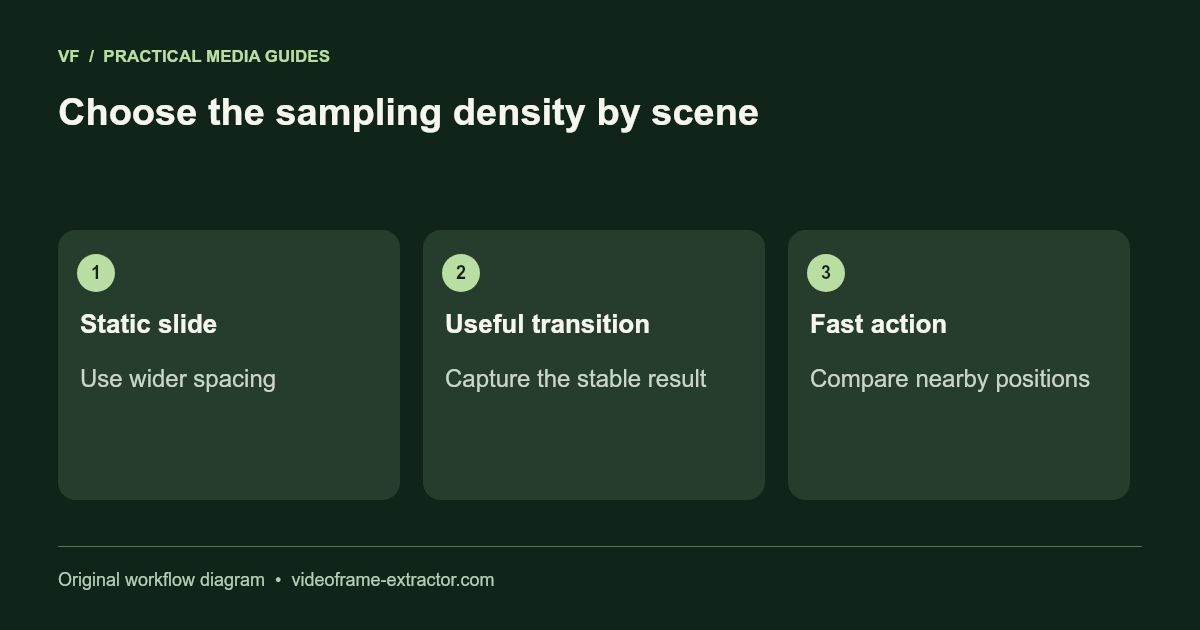
Increase the interval for static scenes and capture important changes manually. This extractor samples time positions; it does not automatically identify or remove duplicate images. A useful image set needs a review step, especially for slide recordings, long pauses, and datasets where near-identical frames can distort evaluation.
Distinguish exact duplicates from similar pictures
Two exported files can have identical pixels, slightly different compression, or only a moving pointer separating them. Their filenames and timestamps do not establish whether their content is different. Conversely, a small lighting change can alter many pixels without adding a useful new example.
Define what “duplicate” means for your task. For slide notes, the same slide without a meaningful build may be a duplicate. For motion analysis, adjacent positions can be important even when the background stays unchanged. For a dataset, similar poses from one scene may need grouping rather than deletion.
Use a coarse pass to locate changes
Start with a short range at a five- or ten-second interval. Review the sequence to locate sections where content changes. A 60-second range at five seconds produces 12 requested samples in this tool, with the end excluded. If all 12 show one static slide, a dense batch adds little value.
Capture manually near each useful change, or run denser batches only around those transitions. Keep the final stable slide after animations settle. For action footage, use closer samples where the subject moves and wider spacing during setup or pauses.
Keep a selection log
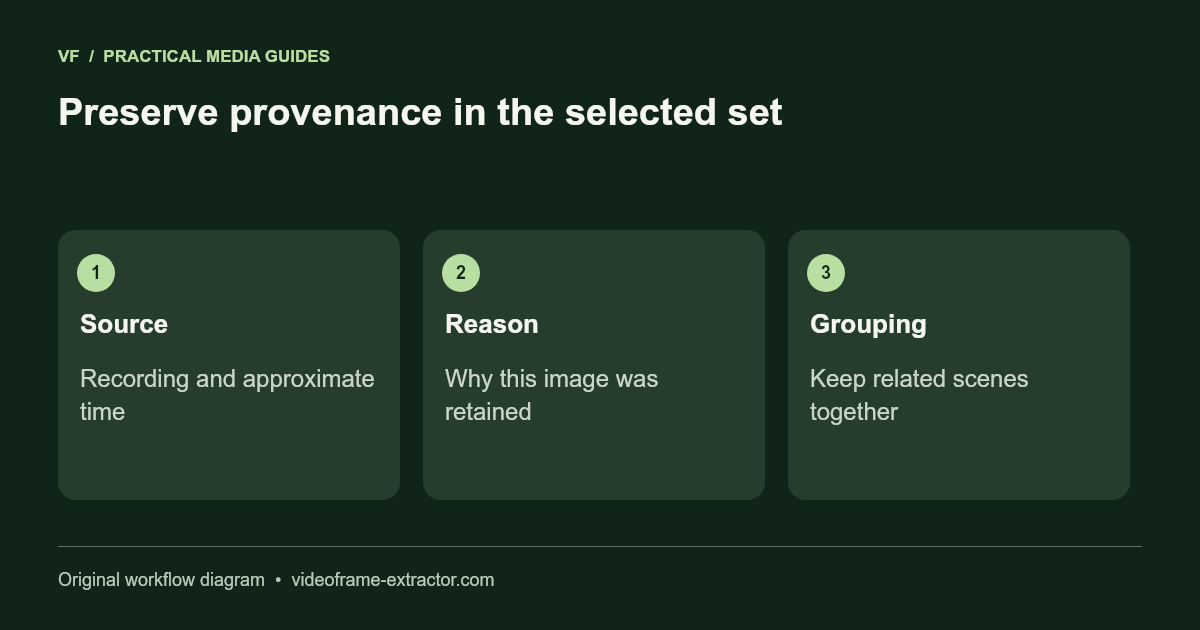
Create a small table with source recording, approximate timestamp, reason kept, and group label. An example might be “camera-A, about 18 seconds, object turns sideways, scene-03.” The group label helps distinguish variation within one scene from evidence drawn from independent recordings.
Do not rename everything to unrelated numbers before saving this record. The extractor provides timestamped image names, but it does not export a CSV manifest or manage dataset provenance. Preserve your own mapping if the images will be annotated or reviewed later.
Avoid leakage across dataset splits
If similar frames from one recording appear in both training and validation, the evaluation may reward recognition of the same scene rather than generalization to new scenes. Split by recording or scene where appropriate, then inspect the resulting distribution. The right grouping depends on the task and collection process.
This website exports pictures, not YOLO boxes, COCO annotations, or a finished training dataset. Add labels, rights records, splits, and quality checks in your dataset tooling. Removing some duplicates is one preparation step; it does not establish that the dataset is balanced or representative.
Use automated comparison cautiously elsewhere
Exact hashing can find byte-identical files, while image similarity methods can group near-duplicates. Different encodes may have different file hashes despite looking identical. A similarity threshold can also merge genuinely different examples, so inspect groups before deleting content.
Keep original archives until the selected set has been reviewed. For sensitive recordings, choose a local comparison workflow rather than uploading frames to an unfamiliar service. If you later request a duplicate-removal tool for this site, it should explain its method and provide reversible selection before export.
Try this workflow
Start with a short, non-sensitive sample. Inspect the downloaded result before using a longer recording or larger image.
Open the related tool