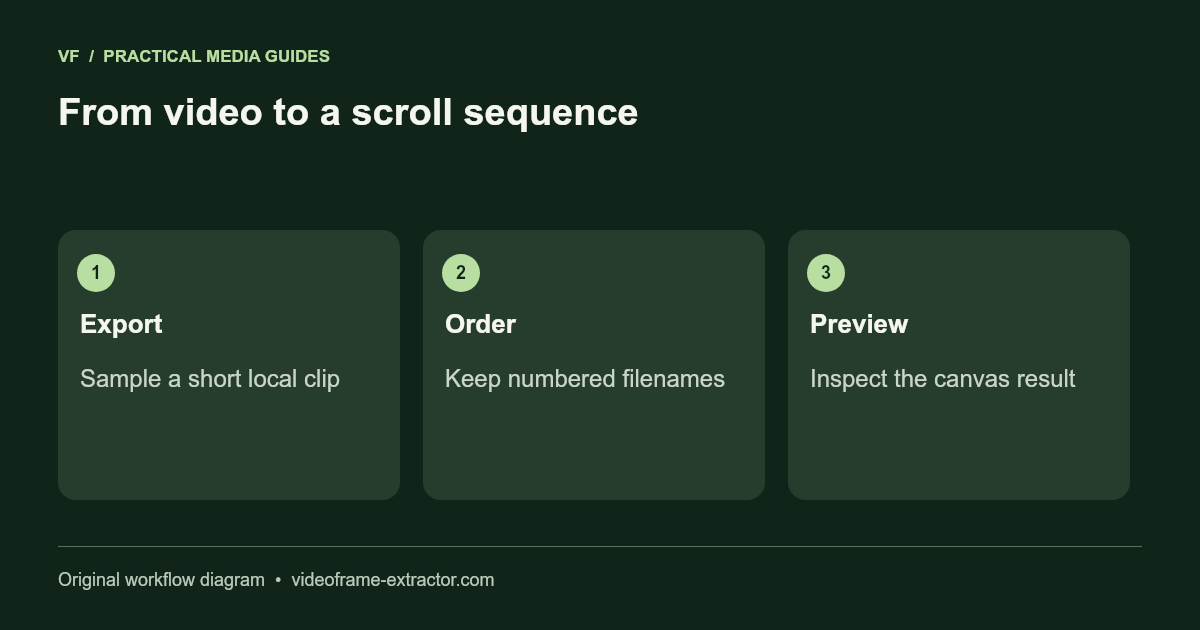
Extract Video Frames for a Canvas Scroll Animation
Export frames from a local or AI-generated video, preview an image sequence on canvas, and download a working scroll-animation HTML example.
Read guide →Practical notes for thumbnails, vertical covers, image sequences, and local processing.
Worked examples, format choices, and checks that help you inspect the result.
Export frames from a local or AI-generated video, preview an image sequence on canvas, and download a working scroll-animation HTML example.
Read guide →
Calculate interval frame counts, split a long video into batches, and download a useful image sequence without uploading your footage.
Read guide →
Capture stable slide frames, preserve readable text, and organize an image sequence from a presentation recording.
Read guide →
Understand MOV containers and codecs, test a short compatible export, and fix common browser frame-extraction problems.
Read guide →
Choose an image format for readable screen-recording text, photographic frames, editing masters, and smaller downloadable sequences.
Read guide →
Capture a still near a requested video timestamp, compare adjacent moments, and understand browser seeking accuracy.
Read guide →
Diagnose black bars in a video still, distinguish image pixels from gallery styling, and choose a crop without distorting your subject.
Read guide →
Choose intervals around scene changes, review repeated samples, and prepare a cleaner image set without claiming automatic duplicate detection.
Read guide →
Enlarge transparent PNGs by 2×, choose fast resizing or local AI, and inspect alpha edges against light and dark backgrounds.
Read guide →
Choose a short spoken range, export audio locally, and review English captions without confusing conversion with accurate transcription.
Read guide →
Review SRT blocks, spot invalid times and overlaps, and check a short subtitled MP4 before committing to a full export.
Read guide →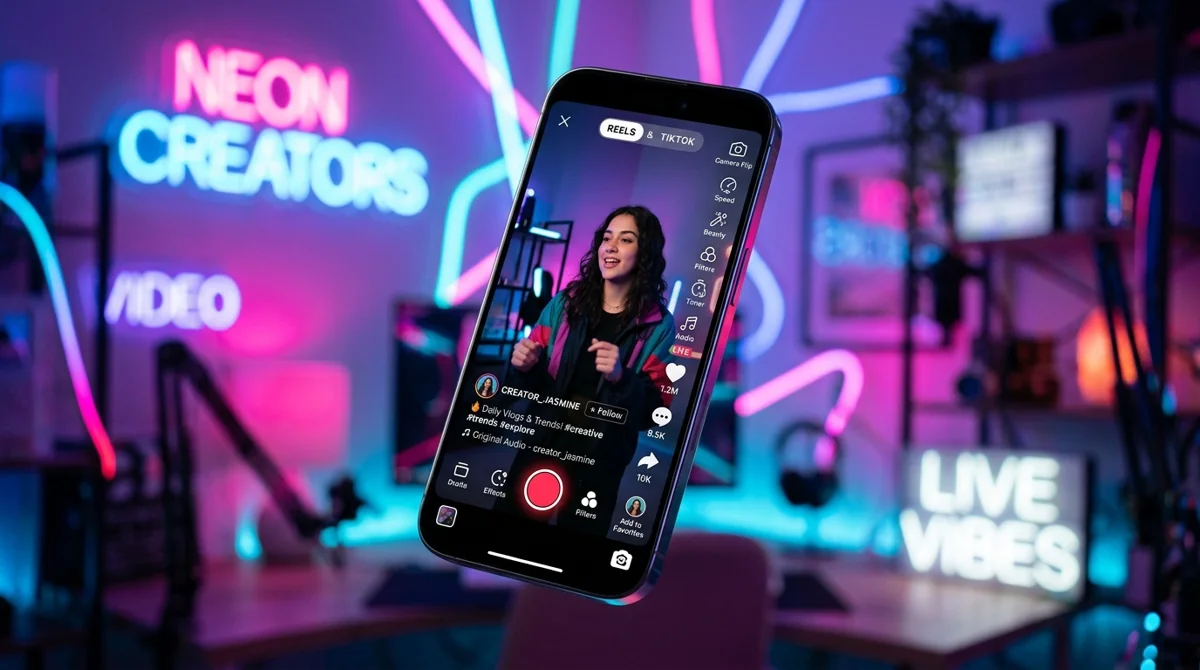
A practical workflow for selecting a sharp vertical still, planning the crop, and checking the final cover in the app.
Read guide →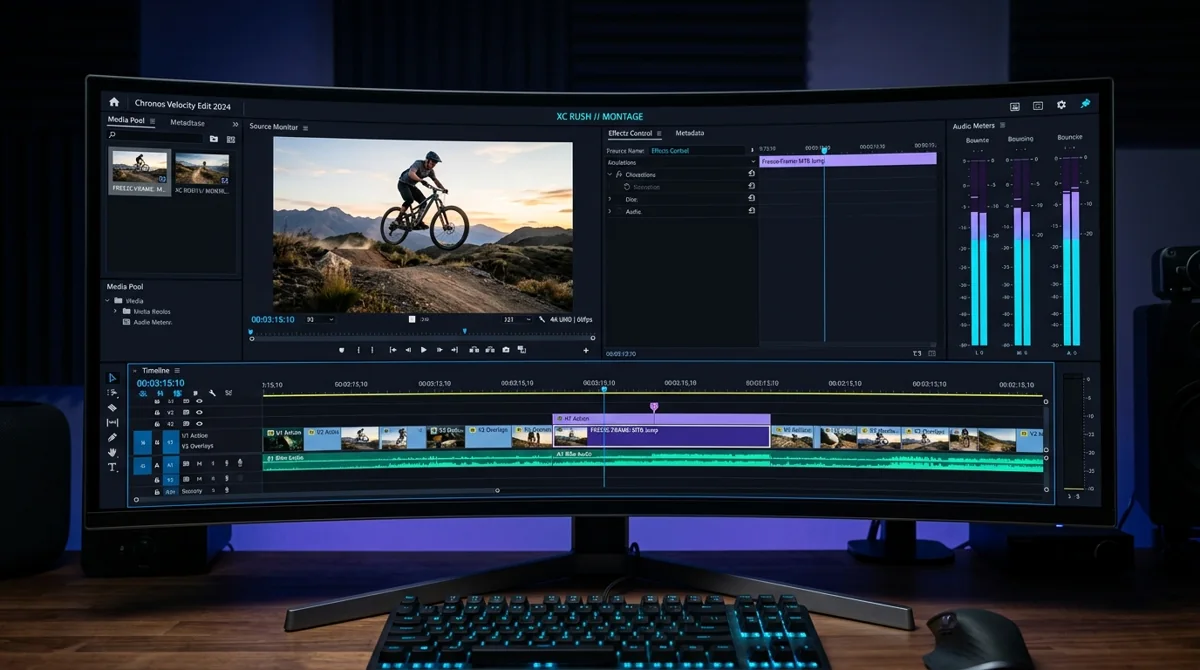
Compare free browser extraction, VLC snapshots and FFmpeg sequences by privacy, codecs, output quality and batch limits.
Read guide →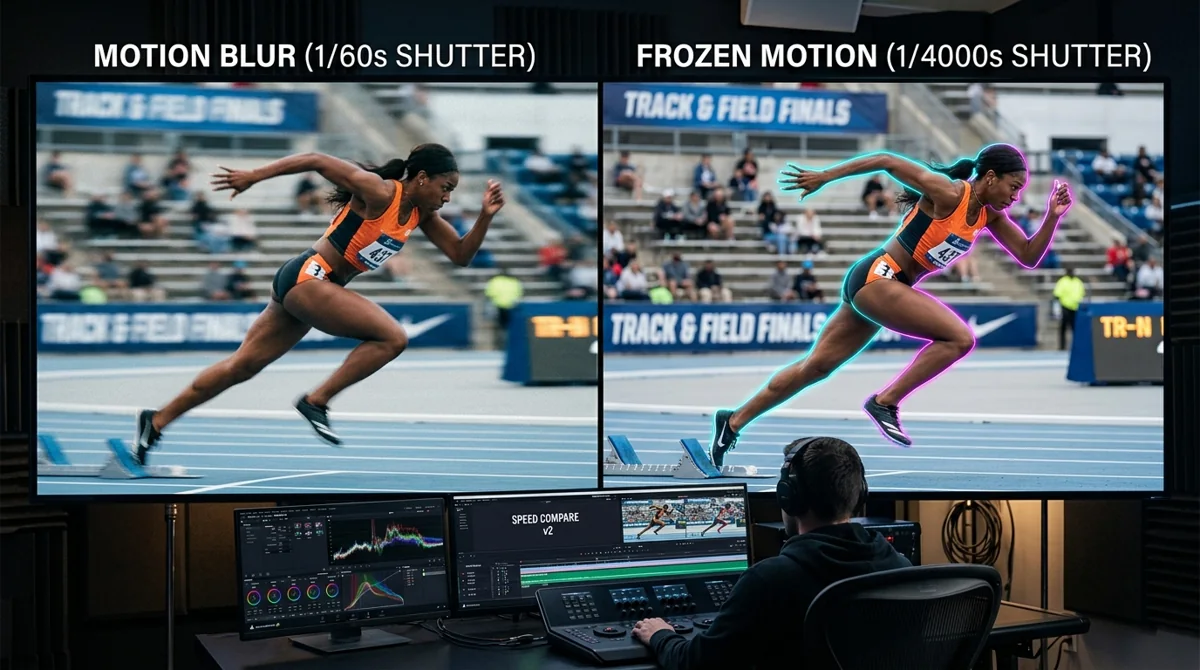
Separate source motion blur from low resolution and image compression before choosing a sharper still.
Read guide →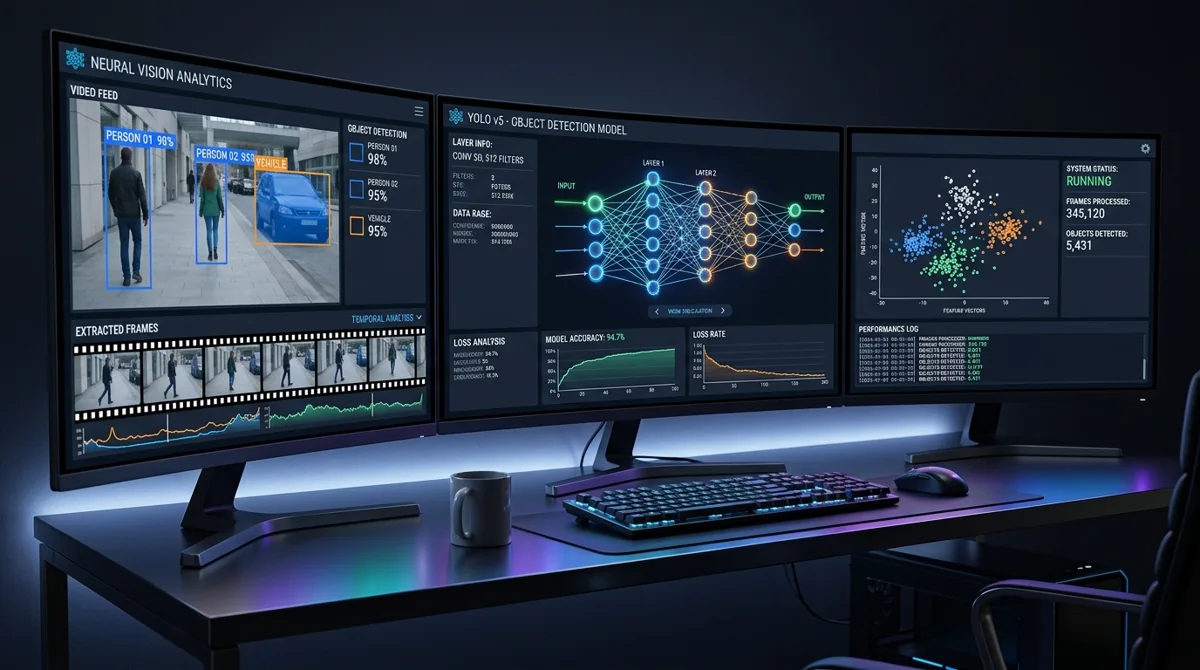
Control sampling, review duplicates, and organize independent recordings before annotation.
Read guide →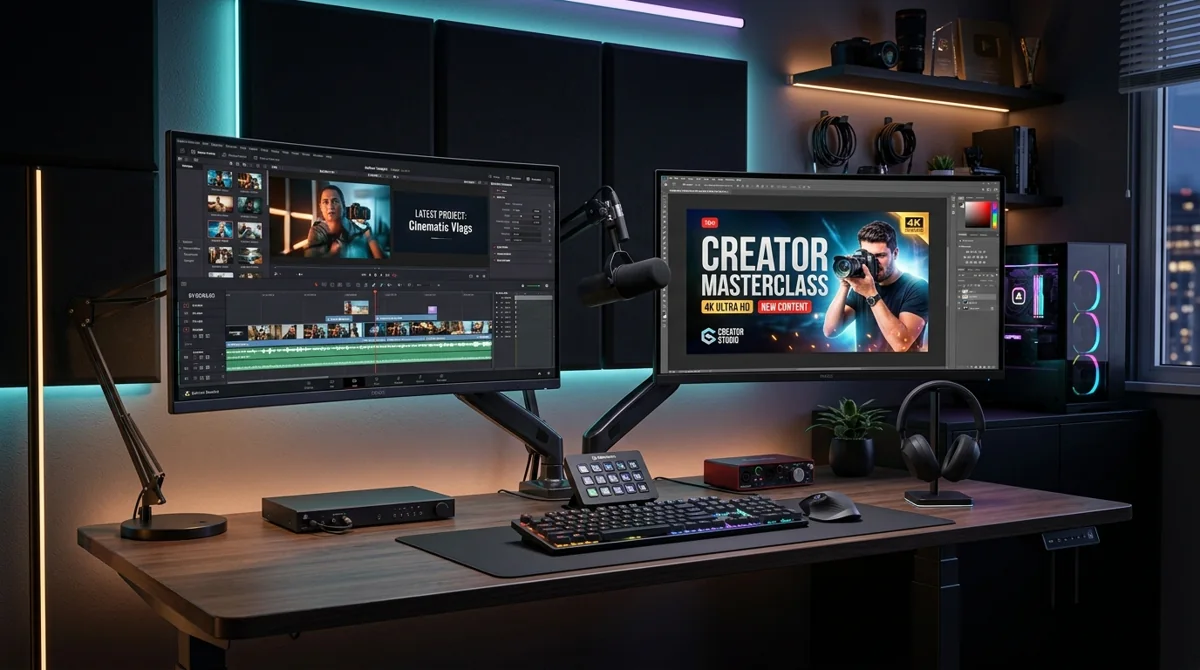
Choose a frame, design a 16:9 image, and check YouTube’s current upload requirements.
Read guide →
A practical permissions checklist for your own footage, licensed material, and identifiable people.
Read guide →
Use browser-based local capture and understand which information is still sent when visiting a website.
Read guide →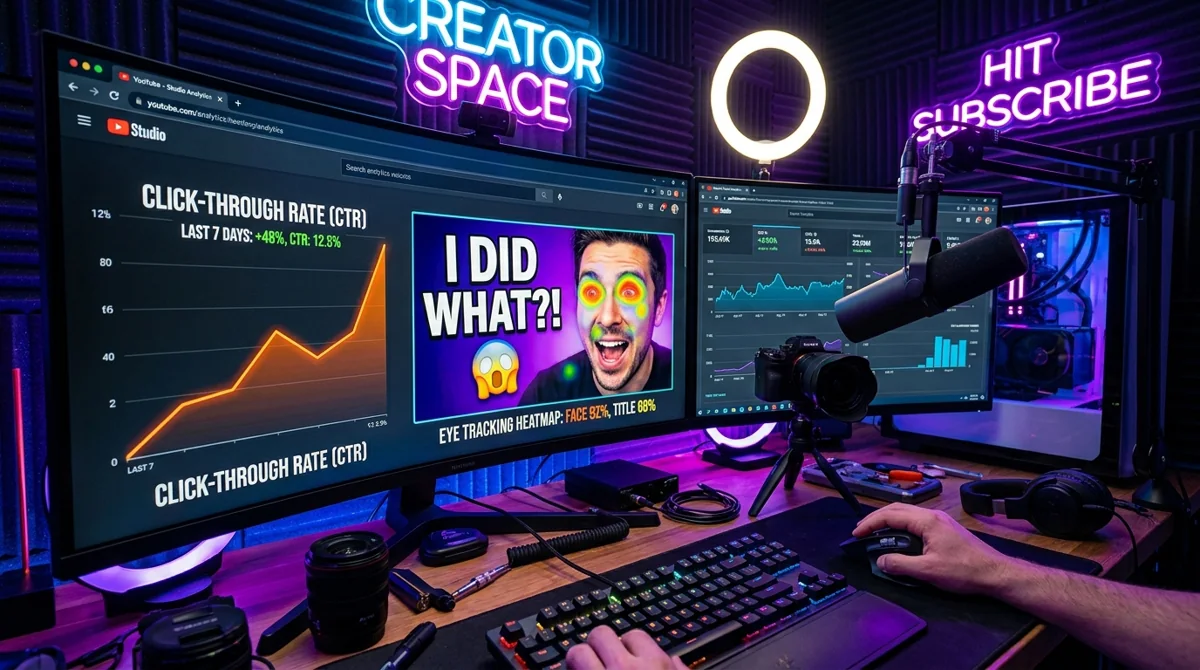
Capture a few expressive moments and export images ready for an editor.
Choose and capture a YouTube thumbnail frame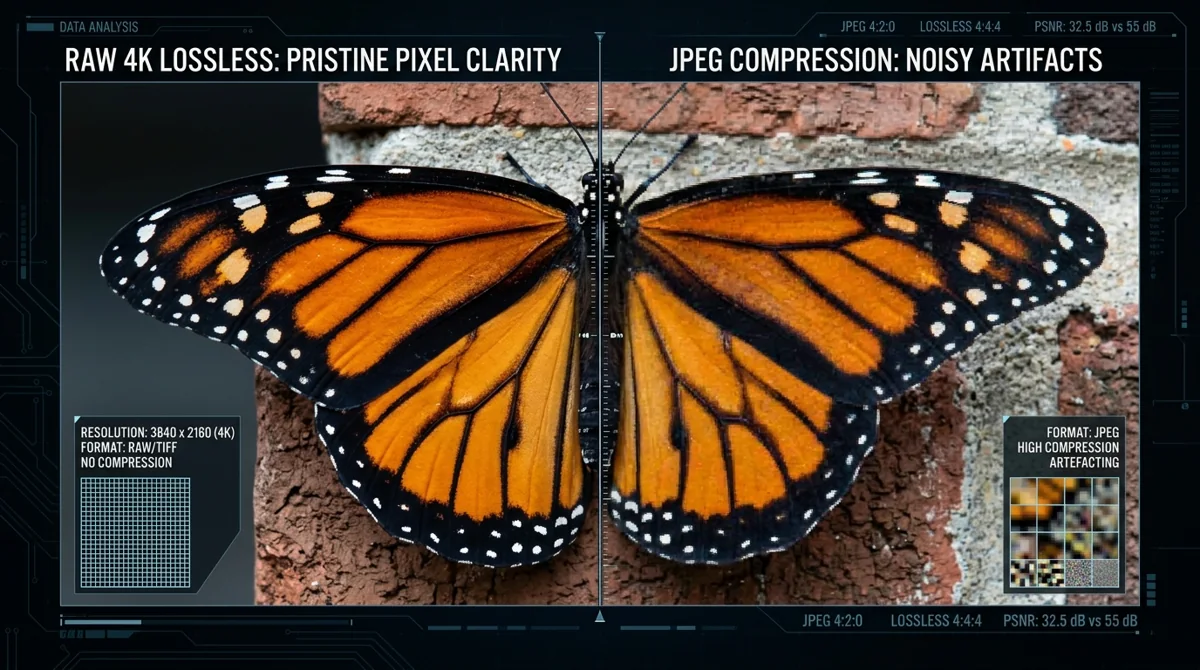
Choose a quick local capture or a repeatable command-line process without overstating either approach.
Read guide →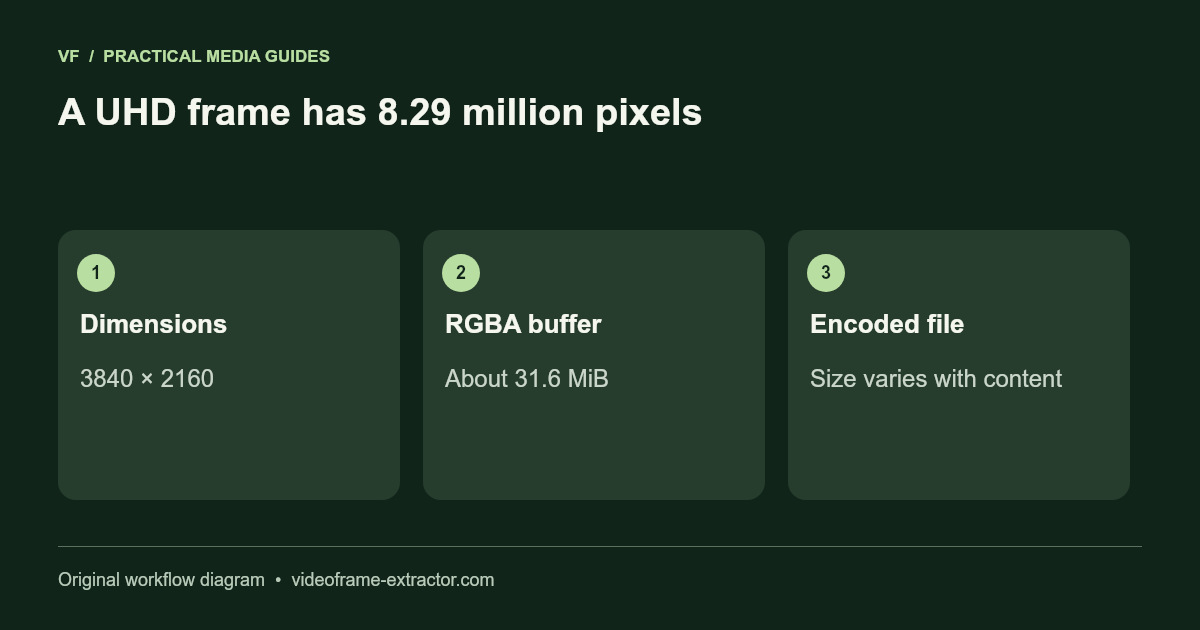
Keep decoded frame dimensions while understanding browser, memory, and color limitations.
Read guide →
Generate and review English captions, choose an export, and create a cover frame.
Read guide →
Understand the trade-offs before saving video, audio, images, and transparent outputs.
Read guide →Known inputs, inspected outputs, and the limits behind this release.