How to choose a video frame extraction tool
Compare local browser capture, VLC, FFmpeg, and upload-based services by the workflow you actually need.
Read guide →Capture native-size images from compatible videos on your device. Choose a moment, sample a batch and save JPG, PNG or WebP without uploading your selected video.
No video upload. Try a compatible MP4, MOV, or WebM file. Up to 2 GB; playback depends on your browser.
The sample opens a small 35 KB video from this website. Your own selected video stays on your device.
FPS is entered by you, not detected. Variable frame rate and decoder seeking can change the selected picture.
Timestamp seeking and time steps use the browser decoder, not a verified source-frame index.
Up to 120 captured images / 96 MB per gallery. Sharpness is an estimate; seeking is browser-dependent. The end time is excluded from a batch. Your video stays on your device.
Convert stills, build a contact sheet, compare endpoints or plan a frame position.
Save JPG stills from a compatible MP4 on your device. Choose a timestamp, control quality, capture a batch and download pictures or a ZIP.
Open tool →LOCAL VIDEO UTILITYCapture PNG images from a compatible video without another lossy image encode. Sample timestamps or a range and save individual images or a ZIP.
Open tool →LOCAL VIDEO UTILITYChoose sample count or interval, arrange thumbnail columns, add timestamps and download one JPG or PNG sheet without uploading your selected video.
Open tool →LOCAL VIDEO UTILITYCapture the first picture, the last decodable picture near the end, or both. Export images or a ZIP for reference, comparison and AI-video workflows.
Open tool →LOCAL VIDEO UTILITYEstimate how many frames a constant-frame-rate video contains. Enter duration and FPS; calculate locally without selecting or uploading a video.
Open tool →LOCAL VIDEO UTILITYConvert a timestamp to a zero-based frame index, or a frame index to time, using an entered constant FPS. Includes common fractional FPS presets.
Open tool →Decoding and capture run on your device. No account or video upload is needed.
Capture at decoded video dimensions. PNG avoids an additional lossy image encode.
Choose a range and interval, cancel when needed, and export a real ZIP archive.
Compare local browser capture, VLC, FFmpeg, and upload-based services by the workflow you actually need.
Read guide →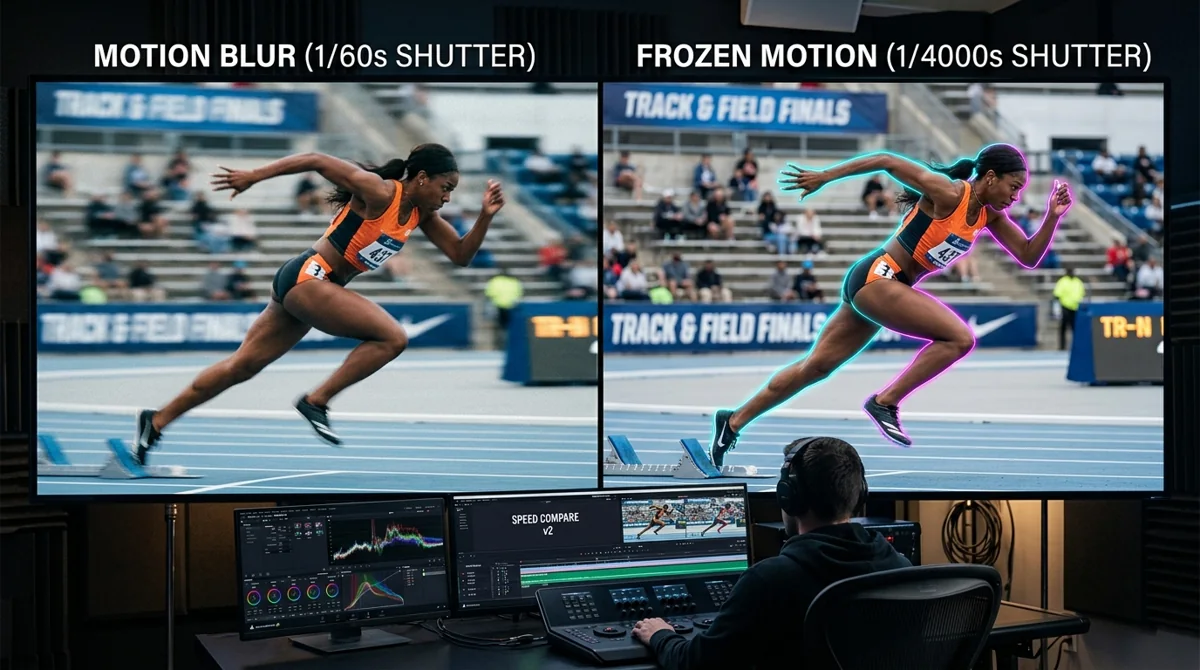
Separate source motion blur from low resolution and image compression before choosing a sharper still.
Read guide →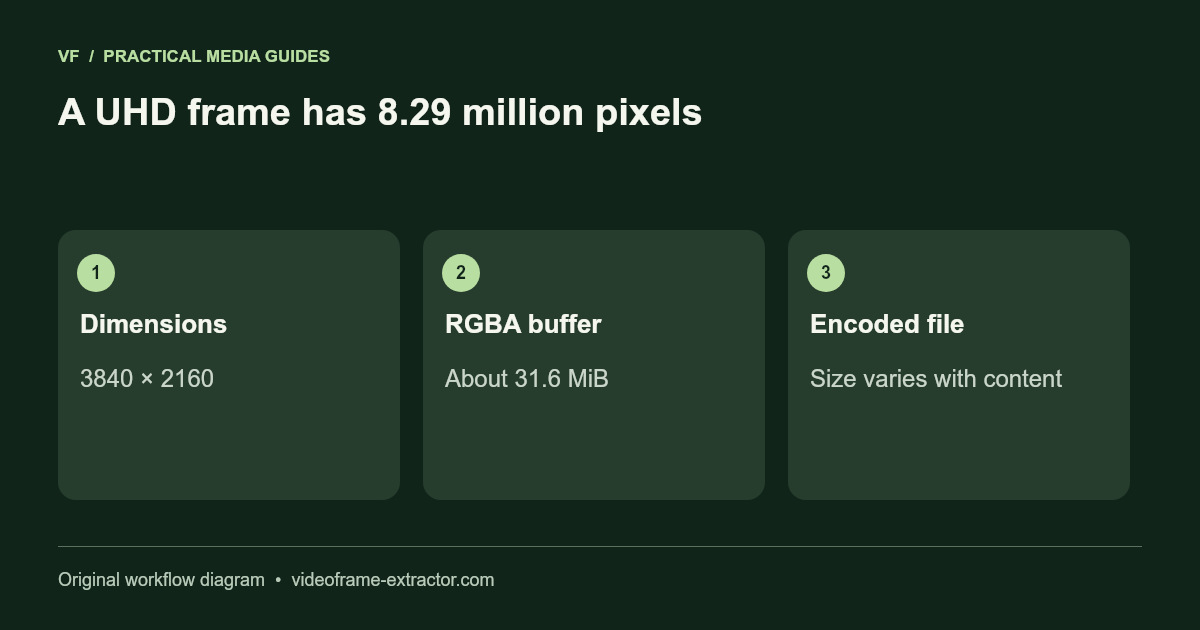
Keep decoded frame dimensions while understanding browser, memory, and color limitations.
Read guide →No. The selected video and extracted frames are processed locally by this tool. Your browser still requests website pages and assets from the host. Contact inquiries send only the fields you choose to submit.
It depends on the codec your browser can decode, not just the filename. MP4 with H.264 is a practical first choice. MOV and WebM compatibility varies. There is no universal fallback decoder.
PNG avoids an additional lossy image encode. JPG and WebP use lossy quality settings. Images keep the decoded frame’s dimensions, but source blur, video compression, and browser color handling still apply.
Yes. The ZIP contains the captured images with numbered filenames and requested timestamps. The gallery allows up to 120 frames and 96 MB of encoded images. Download and clear it before collecting more.
It is a heuristic estimate from Laplacian variance on a downscaled whole-frame sample, not an AI model or a calibrated quality test. Noise and busy backgrounds can increase it. Inspect your subject before choosing a frame.
Turn a short image sequence into a canvas preview. Try sample frames, load your own sequence, and download a self-contained HTML example.
Try the canvas workflowOur generated demo test produced four native-size 1280 × 720 PNGs from a 0–2 second range at a 0.5-second interval. Inspect the actual files before trying a larger batch.
View the sample output and repeat the testThe extractor uses a local object URL, your browser’s video decoder and canvas. Your selected recording, filename and captured images are not submitted to our server for extraction. It needs no AI model or FFmpeg download.
Visiting still requests website files from the host. Other tools may download processing engines or models. An already-loaded extractor can keep working after a connection drops, but this website does not install an offline application or guarantee a fresh offline visit. Downloaded images follow your browser’s save and synchronization settings.
Read the privacy policy and local-processing guide. The authoritative limits reference separates capture, conversion and AI workflows.