Extraction does not grant new rights
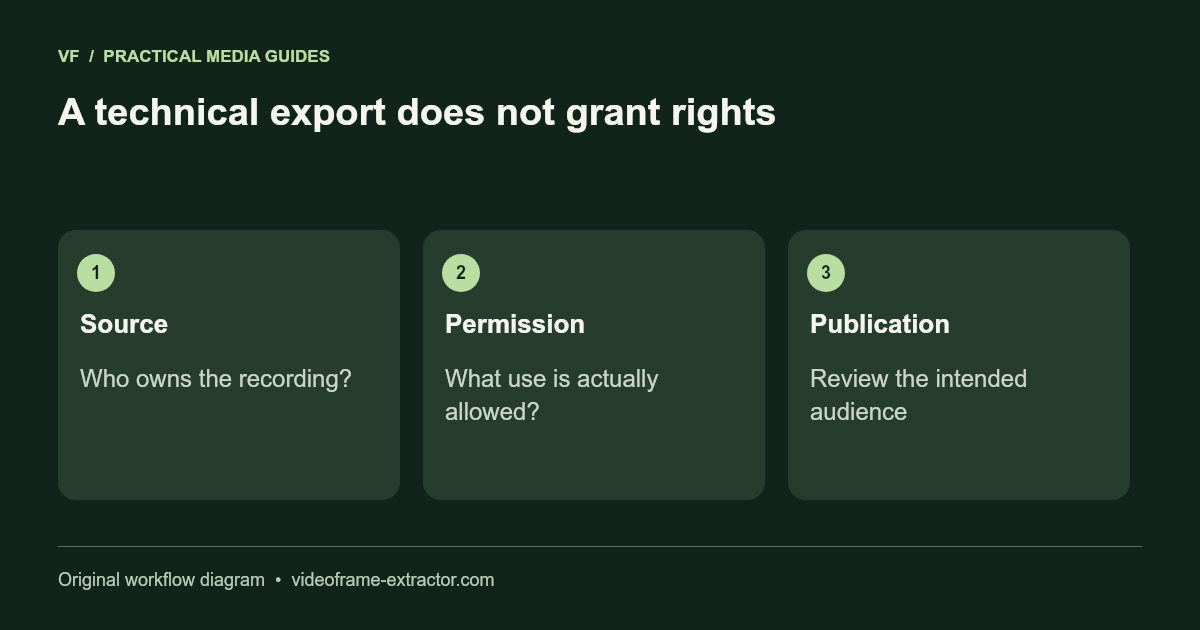
Saving a still image does not itself establish permission to publish or commercially reuse the underlying footage. Start by identifying who owns the video and what permission or license applies. Access to a public video is not the same as a reuse license.
Keep a record of the permitted use
- For your own production, check agreements with collaborators, clients, and any stock providers.
- For licensed footage, read the actual terms covering still images, advertising, attribution, and modification.
- For Creative Commons material, verify the specific license and its conditions rather than assuming all versions allow the same uses.
- For client work, confirm the planned destination and audience before publishing a frame.
Consider the people and information visible
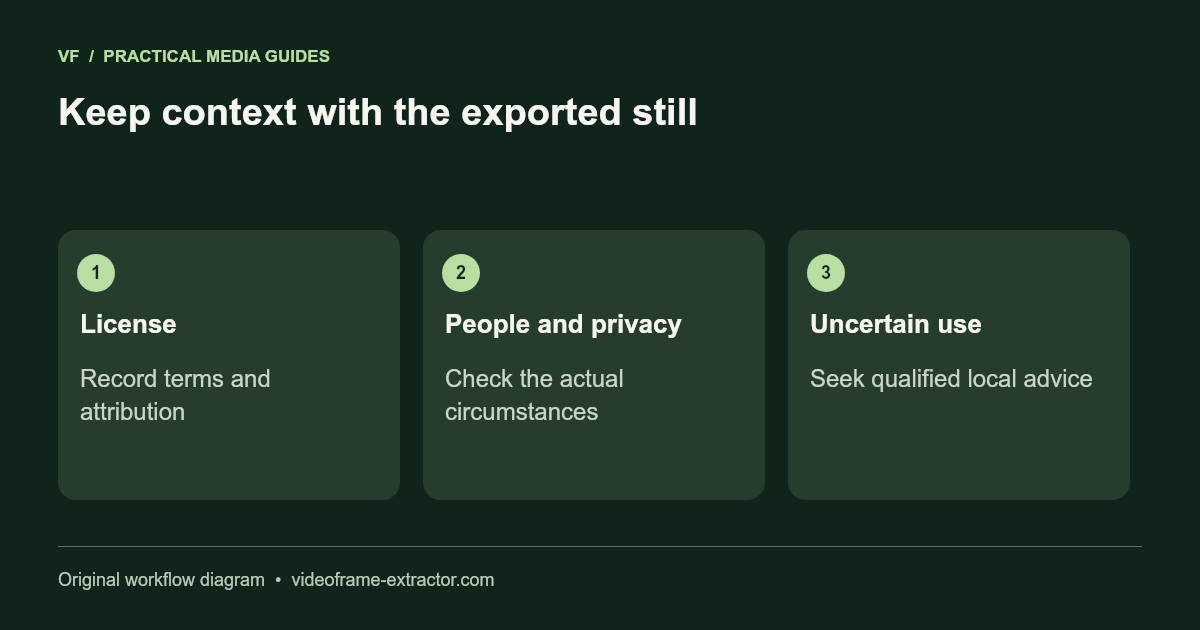
A frame may reveal a face, a private document, a license plate, or confidential surroundings. Check whether publication is appropriate for the context and whether additional permission is needed. Blur or remove unnecessary identifiers when you have a legitimate reason to publish an otherwise permitted image.
Local processing has a limited role
VideoFrame Extractor processes your selected video on your device. That avoids a video upload by this tool, but it does not make a planned publication lawful, certify a forensic chain of custody, or establish compliance with a particular privacy regime. You remain responsible for the recording, exported files, and where you share them.
Resolve uncertainty before publishing
Legal exceptions and privacy requirements depend on the facts and jurisdiction. For a disputed, sensitive, or commercial use, obtain advice appropriate to the situation. This page is a permissions checklist, not a determination that a particular use is allowed.
See the actual license terms at Creative Commons when that is the license attached to your source.