What local capture means here
When you select a video, the tool creates a local object URL for your browser video element. The browser decodes the file, and a canvas captures the visible picture. The selected video, filenames, and exported frames are not sent to a processing server by this tool.
Capture your first image
- Open the extractor and choose a compatible file from your device.
- Wait for the preview and duration to appear.
- Pause at the desired moment and select PNG, JPG, or WebP.
- Capture the current frame. Use its individual download link or collect more frames for a ZIP.
Use a batch for comparison
Choose a range around the part you care about and an interval such as 0.5 seconds. The tool includes the start and excludes the end. A short batch is often easier to review than sampling the entire recording. Cancel preserves images already captured.
Website traffic still exists
Your browser requests the page and its assets from the host. The host can receive ordinary request information such as IP address and browser headers. Sending a contact inquiry intentionally transmits the fields you enter through the site's email system. Those activities differ from uploading the selected video for extraction.
Protect the exported files too
The browser may save downloads to a shared folder or a cloud-synced location depending on your settings. Clear the gallery when finished and manage the downloaded images according to your own needs. Closing the tab releases the tool’s active references, but does not delete images already downloaded or promise secure memory erasure.
See the privacy policy for the website’s actual data handling. Local capture is useful, but it is not an absolute security or compliance guarantee.
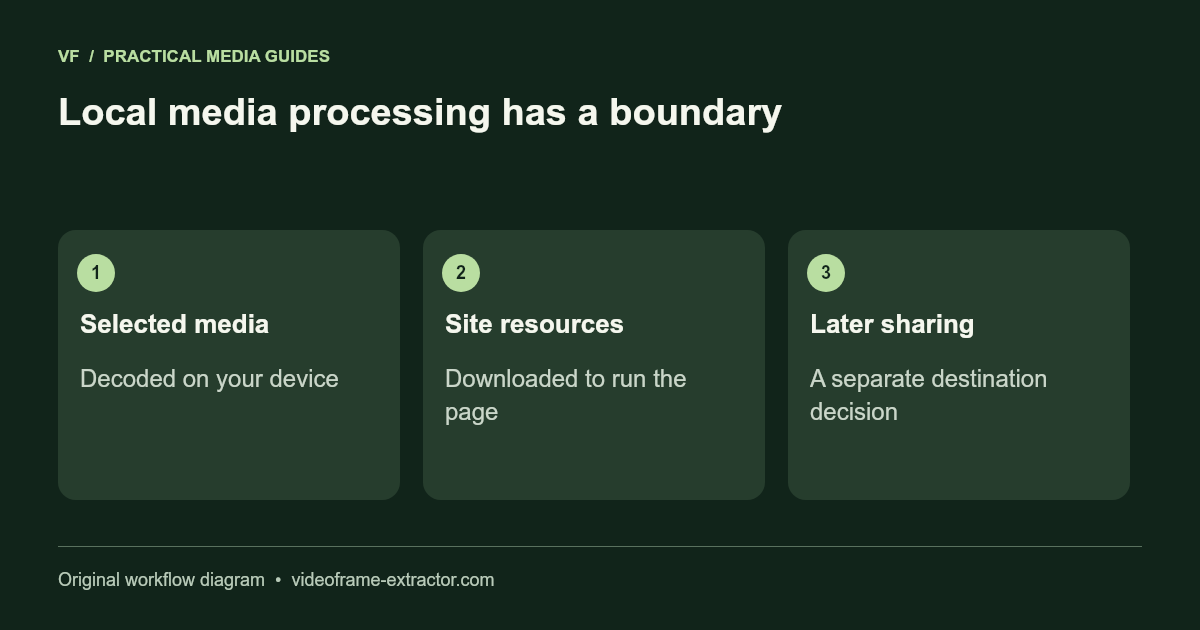
Understand the boundary of local processing
Choosing a file creates a local browser reference for the tool. Frame extraction decodes and encodes inside the page; the selected media is not sent with a server processing request. That does not mean visiting a website makes no network requests. HTML, styles, scripts, public samples, and model or engine dependencies still need delivery.
The frame extractor can operate with its loaded resources and selected file, but this release does not include a service worker or promise that every tool works after disconnecting. AI models are served by the site and the fixed FFmpeg core is obtained from jsDelivr when needed. Dependency requests reveal normal connection information such as IP address; the privacy policy describes this distinction.
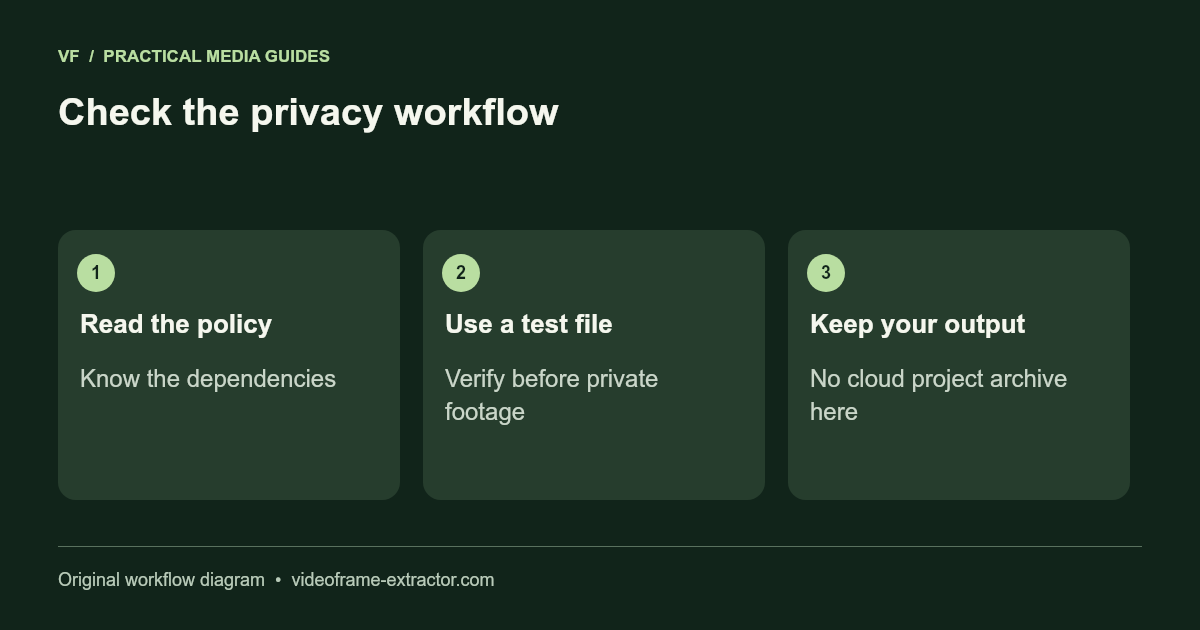
For a sensitive workflow, use a test file, review the tool’s privacy policy, and confirm the chosen destination for any later output. Downloading a still locally is separate from sharing it in a cloud editor or messaging application. Close the page and retain your own files when finished; this site is not a private cloud archive or a replacement for your organization’s handling rules.
Open a compatible local file and capture a few moments for comparison.
Open frame extractor