PNG, JPG or WebP for screen-recording frames: how to choose
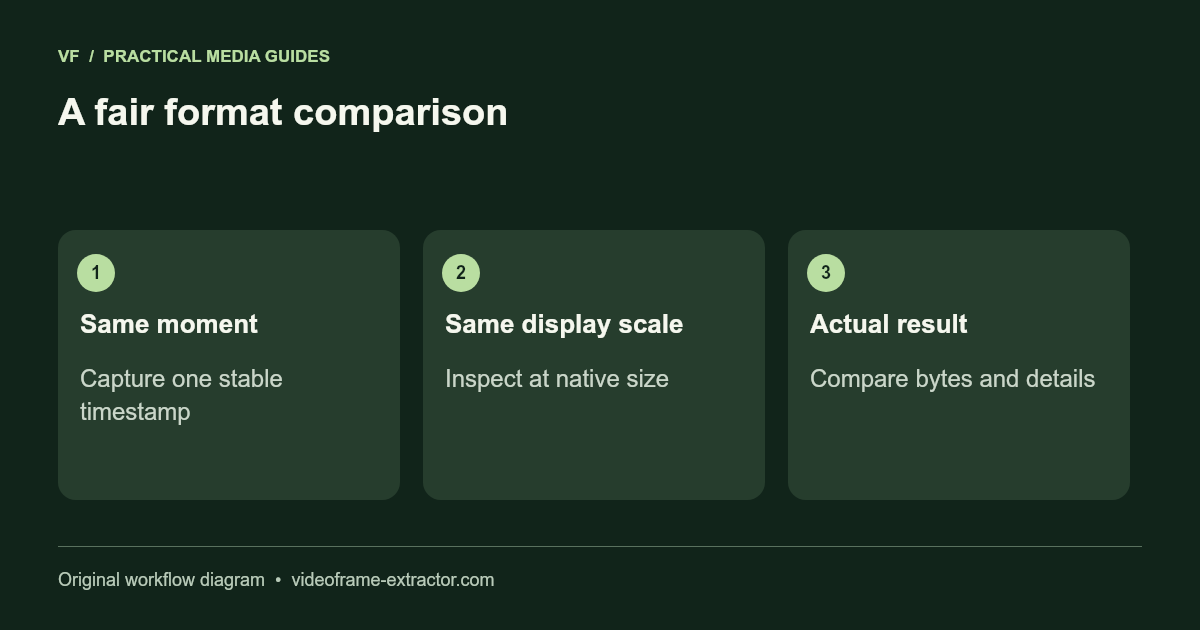
Use PNG as a first choice for small interface text and diagrams, then compare JPG or WebP when file size matters. All three formats save a decoded video picture. None restores detail already lost to the original recording. A fair comparison uses the same timestamp, native dimensions, and display size.
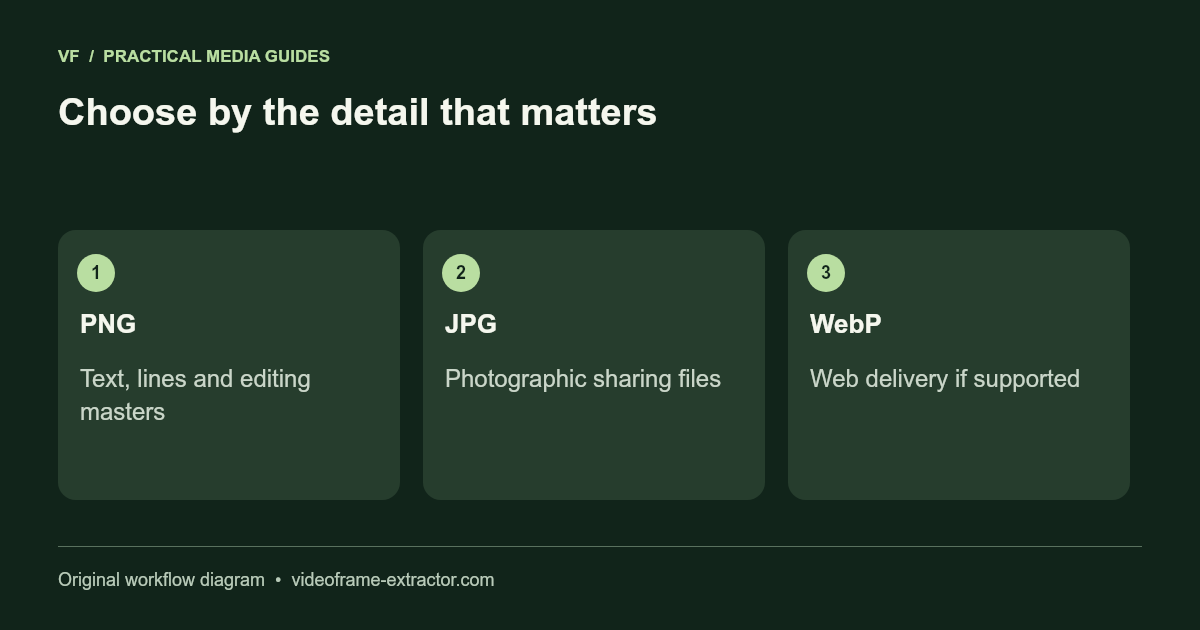
Match the format to the content
| Frame content | Starting choice | Inspect closely |
|---|---|---|
| Small text or interface | PNG | Thin strokes and punctuation |
| Photographic scene | JPG | Faces, hair and gradients |
| Web-ready mixed content | WebP | Text edges and destination support |
These are starting choices, not rules that one format is always smaller or better. Image content affects encoded size. A simple slide may compress efficiently as PNG, while a detailed camera frame may be much smaller as JPG. Measure your actual result rather than relying on a fixed percentage saving.
Understand what this exporter does
PNG keeps the decoded canvas pixels without another lossy image encode. The JPG and WebP options request browser encoding at quality 0.95. That value is an encoder setting, not “95% of original quality,” and different browsers may produce different file sizes. A browser may fall back to PNG if the requested format is unavailable.
Inspect the output extension and reported format. The exporter uses the returned image type for filenames. Keep an editing master before making later compressed versions. Repeated lossy exports can compound artifacts even when each step uses a high quality setting.
Compare one stable moment
Pause on a stable slide or interface screen. Capture PNG, change the format, and capture JPG at the same playhead position. Repeat with WebP if that format suits your destination. Open the images at 100% in a viewer and compare the smallest text, diagonal lines, flat-colour boundaries, and darker gradients.
Record the byte size and whether the important details survive. If all outputs have the same soft text, the source recording is probably the limiting factor. Try a clearer moment or obtain a higher-resolution source. Enlarging a screenshot will increase its dimensions but cannot prove the original text was accurate.
Plan gallery memory around the job
The retained-image limit is 96 MB, alongside a maximum of 120 pictures. Detailed PNG frames can reach the byte limit early. For a photographic interval sequence, JPG may let you retain more samples. For a few reference slides, the extra PNG size may be a reasonable trade-off.
Do not use the video file’s size as a prediction of the extracted sequence size. The video uses temporal compression; the stills are separate images. Download in short batches, open the ZIP, and confirm that each needed image is present before clearing the gallery.
Validate the destination, not only the browser
Send or upload a test image to the actual application where it will be used. Some editing or publishing systems handle PNG and JPG more predictably than WebP. A supported browser preview does not establish support in every slide editor, printer workflow, or content management system.
If the destination recompresses images, inspect its final preview. Keep the original frame export separately so you can try a different size or format without another lossy generation. For a machine-learning reference or technical report, also retain the source timestamp and document any later crop or resize.
Try this workflow
Start with a short, non-sensitive sample. Inspect the downloaded result before using a longer recording or larger image.
Open the related toolTechnical reference: Browser image formats (MDN). Tool-specific settings above describe this release.