How to check SRT timing before burning subtitles into a video
Read the SRT while playing the source, confirm that each end time follows its start, and test a short burned-in export. Once subtitles are encoded into the picture, viewers cannot switch them off. A careful timing review before export is faster than discovering a repeated error in the finished video.
Check the structure of one block
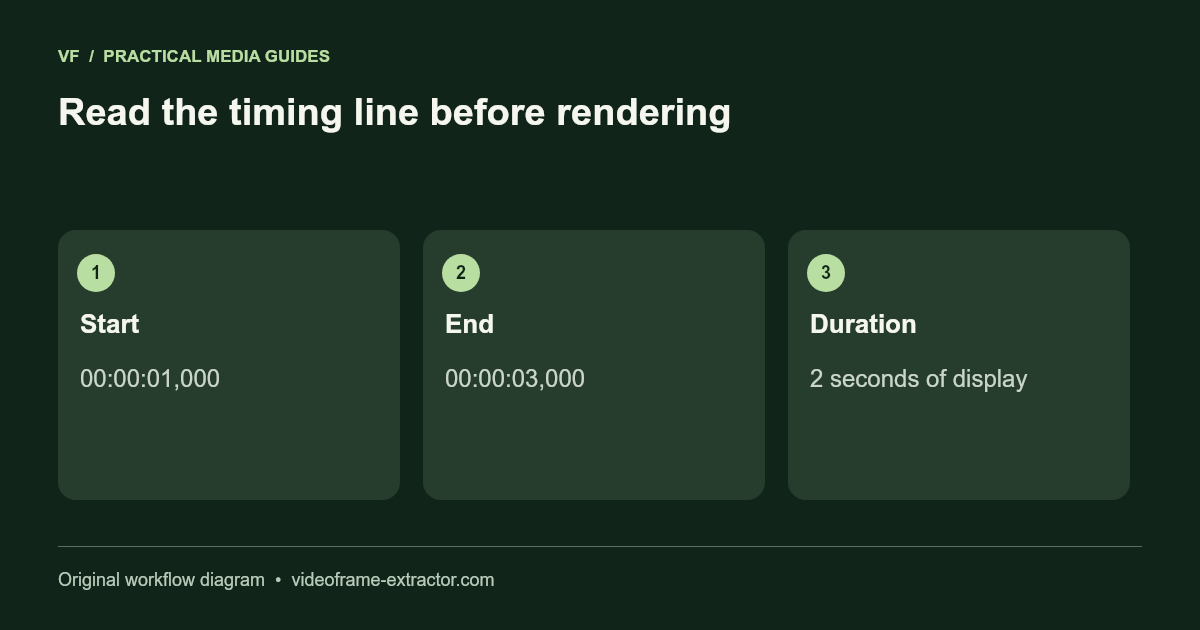
1
00:00:01,000 --> 00:00:03,000
A short line that matches the speech.

2
00:00:03,500 --> 00:00:05,000
The next caption.
A typical SRT block has a number, a timing line, text, and a blank line separating it from the next block. Hours, minutes, and seconds use colons, with a comma before milliseconds. Keep the arrow and time syntax intact when editing. A paragraph pasted without timecodes is not a timed subtitle file.
Separate invalid timing from awkward timing
An end time before its start is invalid for this workflow. A correctly formed cue can still appear too early, disappear too quickly, or overlap another cue. Watch the video and listen to the words rather than checking punctuation alone. The current subtitle interface is an editable draft and export tool, not a comprehensive professional subtitle validator.
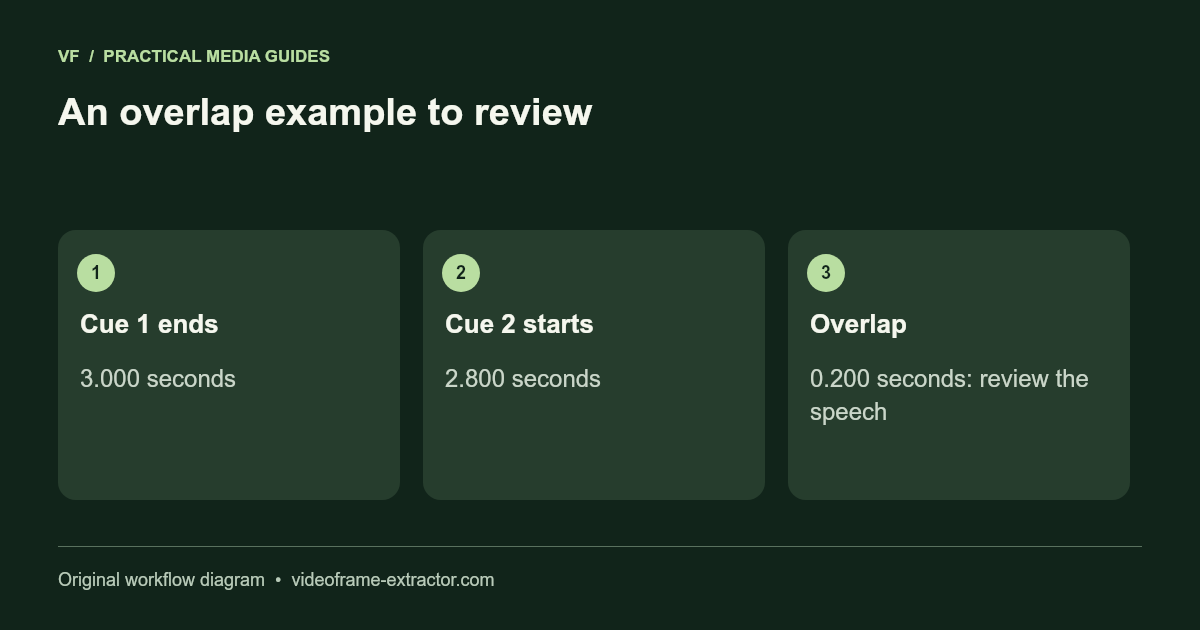
For a simple example, a first cue ending at 3.000 seconds and a second beginning at 2.800 overlap by 0.200 seconds. Decide whether to move the second start or shorten the first cue based on the speech. Do not automatically remove a pause or cut off the final word just to eliminate an overlap.
Keep times aligned with the source
In this tool, caption times are measured against the selected original video. The export adjusts them for the chosen start and end range. Keep that relationship clear when importing an SRT that was timed against a different edit or a separately trimmed clip.
Check the first caption, a caption in the middle, and the final caption. A constant offset suggests one timing shift, while an error that grows across the clip can indicate mismatched edits or timing drift. This version does not offer an automatic drift correction tool. Retiming a complicated file may require a dedicated subtitle editor.
Use a readable amount of text
Read each cue aloud at a natural pace while the video runs. If you cannot finish before it disappears, shorten the wording or adjust timing within the speech. Break long text thoughtfully so a line does not leave one stranded word or hide the main subject. Keep numbers and names intact when simplifying.
Reading-speed and line-length expectations differ by language, destination, and accessibility requirements. A fixed character count does not guarantee readability. Review the actual rendered font size and contrast at the intended screen size, especially when a vertical video already has small faces or interface text.
Export a test before the full clip
Choose a short range containing your longest cue, a fast exchange, and any accented or unusual characters. Export a subtitled MP4 and play the saved file. Confirm the audio, timing, line breaks, and font coverage. A successful SRT download does not establish that every player will render it the same way.
Keep the reviewed SRT and the original video separately. Burned-in text becomes part of the picture and is expensive to replace after further editing. For a destination that accepts sidecar captions, a reviewed SRT can preserve viewer control and make later corrections easier.
Try this workflow
Start with a short, non-sensitive sample. Inspect the downloaded result before using a longer recording or larger image.
Open the related tool