Prepare a captioned video without uploading your footage
A useful caption workflow has two outputs: words that match the recording, and a file that suits the destination. Automatic recognition is a starting point. Review the draft against the audio before publishing it.
Start with a short, clear recording
Open Add subtitles to video and select a local file. This version handles files up to 100 MB and ranges up to 10 minutes. Your browser must be able to preview the source. If playback fails, convert the source to a standard H.264/AAC MP4 in your editor first.
Set the start and end times for the part you need. A short test makes it easier to check accuracy and device performance. The first run downloads the speech model and media engine; inference and conversion happen on your device. Keep the tab open during processing.
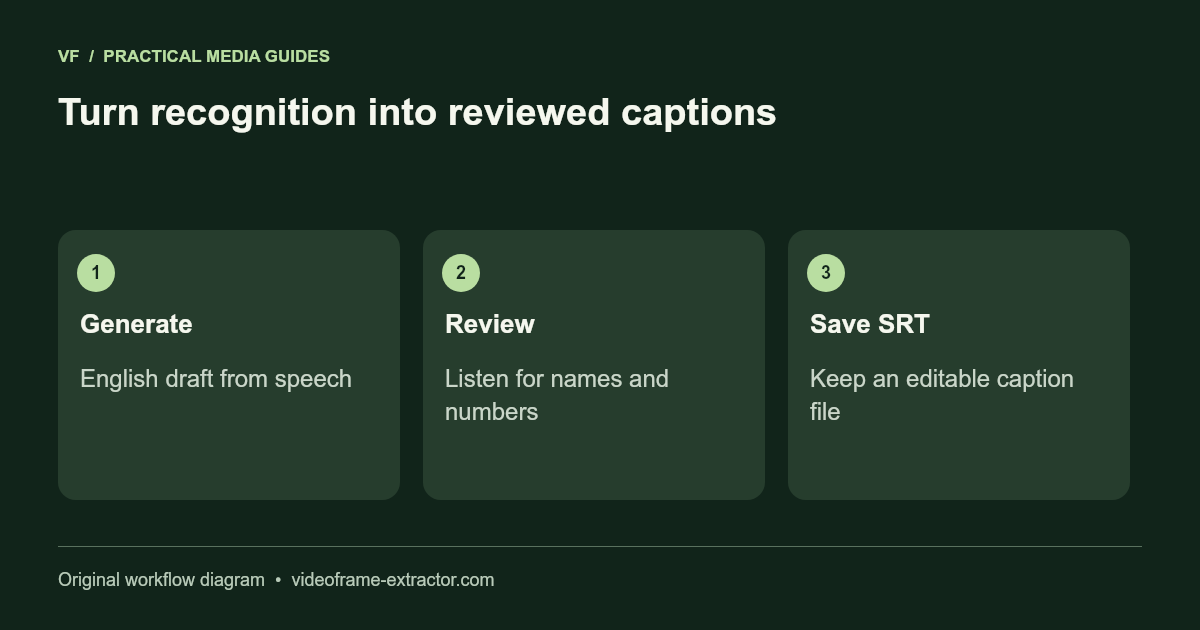
Generate English captions, then listen
Choose Generate English captions. Read the SRT draft while listening to the source. Pay particular attention to names, numbers, accents, pauses, and music. A model can invent words during quiet or noisy sections. Delete those words rather than treating the output as a transcript of record.
Each SRT block contains a number, a start and end time, and the caption text. Leave a blank line between blocks. Times are measured against the original video. The export adjusts them for your selected range. Every end time must be later than its start, and captions must fit inside the source duration.
1
00:00:01,000 --> 00:00:03,000
A short caption that is easy to read.
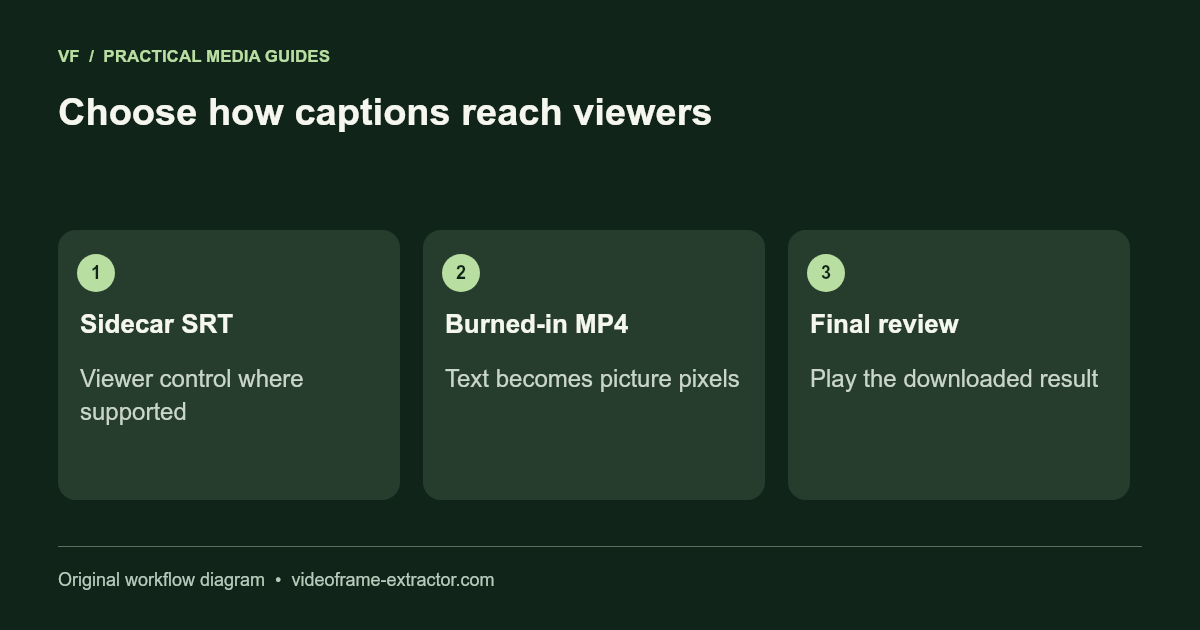
Choose SRT or burned-in MP4
Download SRT when your destination supports a separate caption track. This keeps captions editable and lets a compatible player switch them on or off. Open the SRT with the destination video and verify timing there; a file with the same text is not automatically synchronized to a later edit.
Export a subtitled MP4 when the text must remain visible in the picture. Burned captions cannot be switched off. This version uses a fixed readable caption style; it is not a full timeline or typography editor. Review a line with the longest text before keeping the output, and check font coverage if you paste captions in another language.
Make the cover work with the clip
Use the frame extractor to capture a still from your own video. Choose an expressive, clear moment that accurately represents the clip. A sharpness estimate can help compare nearby frames, but it cannot judge your subject or the honesty of a thumbnail.
Save PNG when avoiding another lossy image encode matters, or JPG for a smaller image. Keep enough space around the subject for a crop in the destination editor. Check the final cover at the small size where viewers will actually see it.
A final review that prevents surprises
Play the exported video from beginning to end. Listen for sound, check caption timing, inspect text at normal display size, and confirm the clip starts and ends where you intended. Keep the source and the reviewed SRT separately. If you edit the video again, review the caption times again.
This workflow does not download protected streaming videos or remove rights restrictions. Use footage and audio you own or have permission to process. Read the release test methods and limits before choosing it for a larger project.