How to save slides from a screen recording as readable images
Pause after a slide transition, capture the stable picture at native video dimensions, and export PNG when small text matters. A screen recording can become a useful illustrated reference, but a fixed interval alone will not reliably identify every slide. This guide focuses on readable images rather than exporting hundreds of duplicates.
Check the recording before extracting
Open the original recording and read its smallest important label at normal size. If the video already contains unreadable text, saving a larger PNG does not restore the missing characters. A screen share may have been recorded at a lower resolution than the presenter’s display. Ask for the original slides when accuracy matters.
Use the displayed source dimensions as your baseline. A 1920 × 1080 recording contains about 2.07 million pixels per captured picture. That count describes the stored picture, not the original slide canvas. Browser controls, meeting tiles, and a presenter’s camera can all occupy part of those pixels.
Capture after animation settles
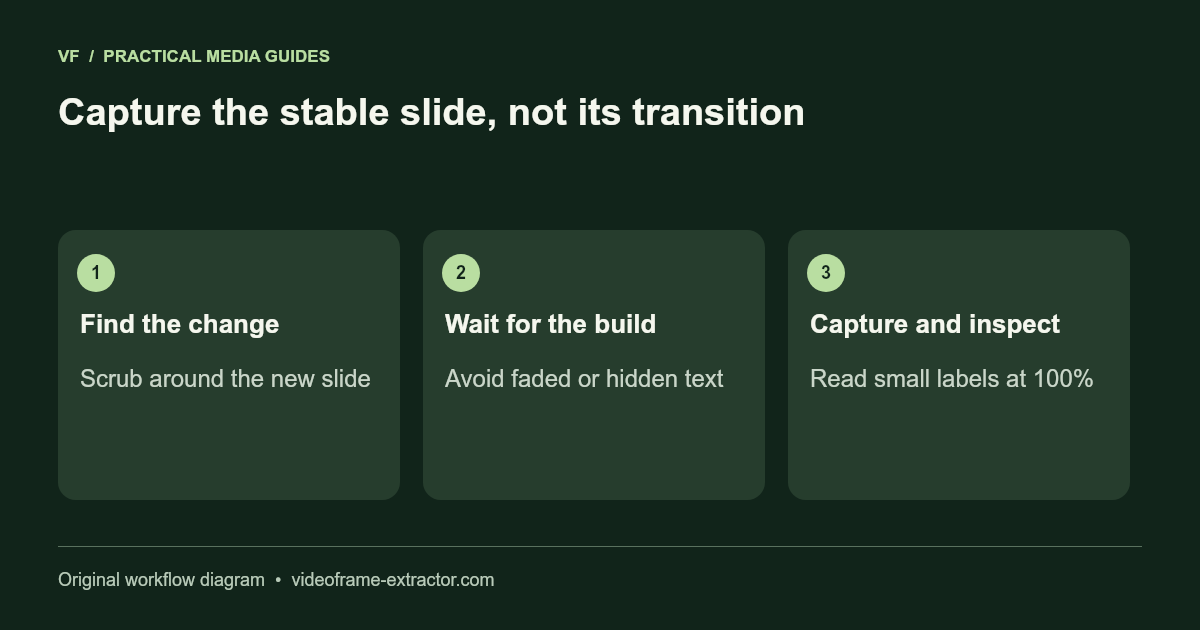
Scrub to a slide change, then wait until fades, builds, pointer movement, and embedded animations have finished. Choose a moment where the important content is visible and unobstructed. Capture one candidate and inspect it before collecting the rest. A half-faded title or a pointer covering a number will remain in the exported image.
For a static presentation, an interval batch is useful as an overview. It is not automatic slide recognition. Sample a short range, locate the transitions, and manually capture the best stable moment from each slide. If the presenter reveals bullet points in stages, decide whether you need the complete slide or a sequence showing the explanation.
Choose PNG for text, then inspect the output
PNG avoids an additional lossy still-image encode, making it a sensible editing master for slides, diagrams, and interface captures. JPG is useful for photographic slides or smaller sharing files, but high-contrast lettering may show compression artifacts. This tool exports at native frame dimensions; it does not reconstruct the original vector text.
Open the saved image at 100% zoom. Check subscripts, decimal points, thin lines, and labels on a chart. Readability at a tiny gallery thumbnail is not enough. If the source and exported frame contain the same blur, return to the recording quality rather than repeatedly changing image formats.
Organize a reference without losing context
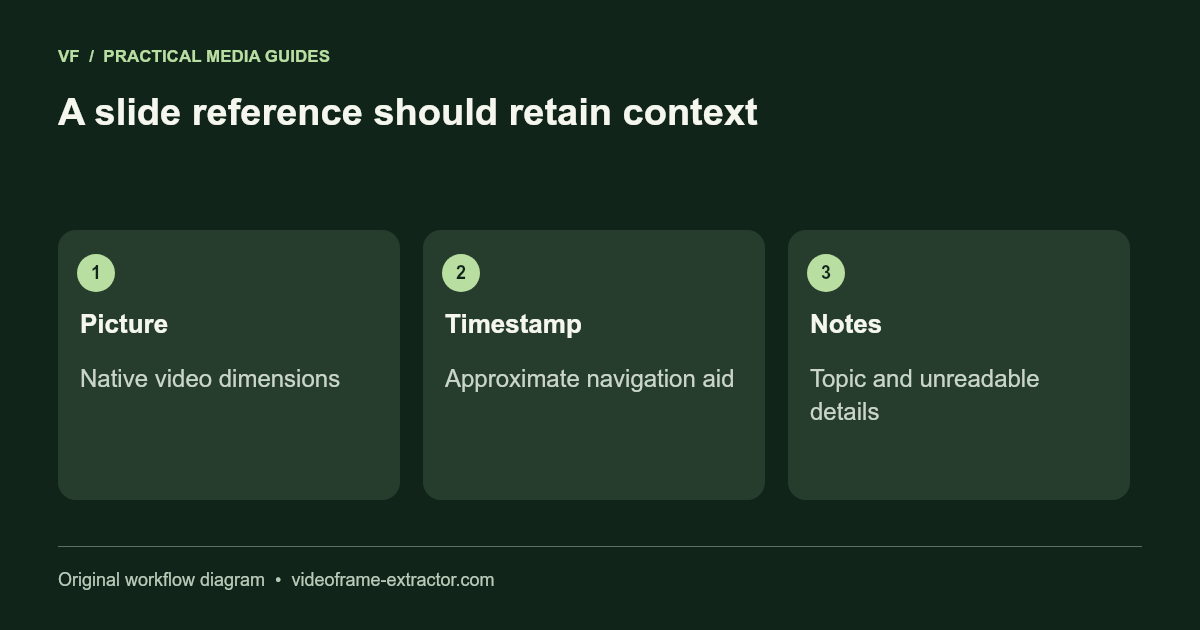
Keep a simple record with slide number, approximate timestamp, topic, and any uncertainty. For example: “Slide 04, about 02:35, pricing example; small footnote unreadable.” That makes it easier to revisit the source and avoids presenting an incomplete capture as a faithful copy. Keep timestamps approximate because browser seeking is not guaranteed frame-accurate.
Download a ZIP in manageable batches. The gallery retains up to 120 pictures and 96 MB of encoded images. Clearing the gallery releases those retained images. Copy important notes into your own document before leaving the tab; this website is not a cloud slide library or a saved project workspace.
Use OCR as a draft, not the original text
The English image-to-text tool can help transcribe a clear exported slide. Compare its result with the visible image. Numbers, equations, tiny labels, and text over busy backgrounds need extra attention. The OCR tool does not recreate slide layout or guarantee accurate technical notation.
Preserve the image beside the reviewed text in your notes. If the slide includes a source citation, keep that citation rather than attributing the claim to this website. For training or client recordings, confirm you have permission before sharing screenshots or transcripts beyond the intended audience.
Try this workflow
Start with a short, non-sensitive sample. Inspect the downloaded result before using a longer recording or larger image.
Open the related tool