Black bars in extracted video frames: source pixels or preview layout?
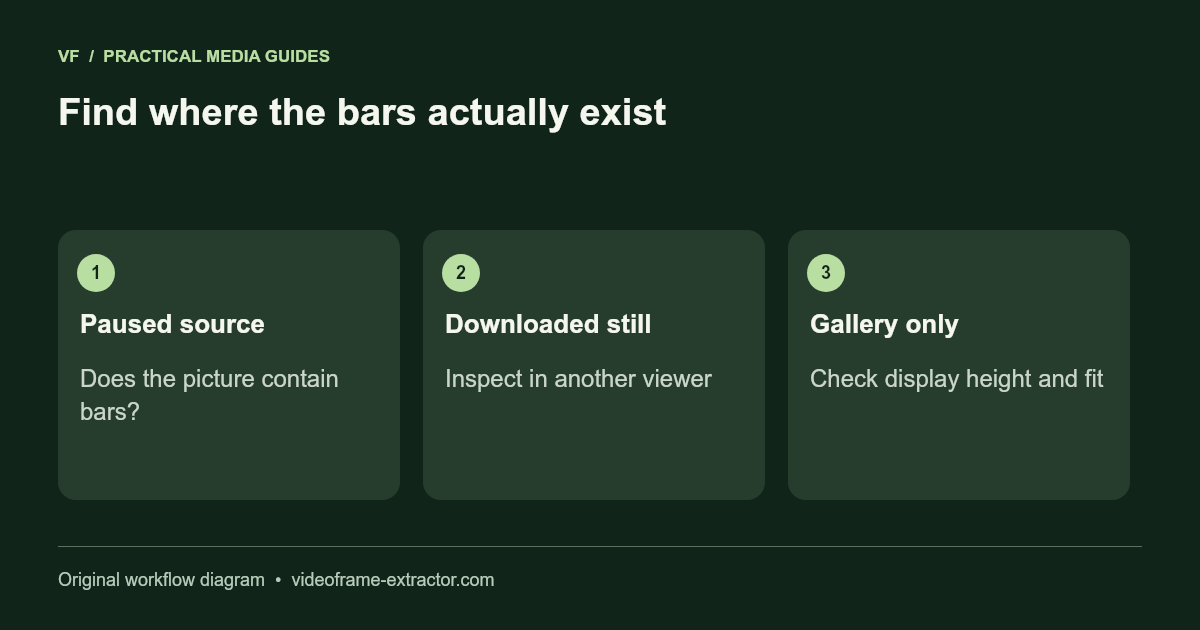
Open the downloaded still in an independent image viewer. If the black bars are inside the saved picture, they came from the decoded source and need a deliberate crop. If the file looks correct but the website thumbnail has excessive empty height, that is a preview layout issue. Fixing one will not fix the other.
Compare three views
Check the paused source video, the website gallery, and the downloaded image. If the same bars appear in the source and downloaded image, they are part of the decoded picture. If only the gallery has extra black area, inspect the display shape before changing your source. Record the saved width and height to avoid guessing from a screenshot.
This release uses a landscape gallery preview with a bounded height while preserving the actual downloaded dimensions. A portrait picture may be shown with space on either side to avoid stretching. That display background is not automatically added to the exported image.
Understand letterboxing and pillarboxing
Letterboxing adds horizontal bars above and below a wider picture. Pillarboxing adds vertical bars beside a narrower picture. A video may also contain both, particularly after several edits or exports. The bars can be encoded into the video itself, or a player can add space around the displayed picture.
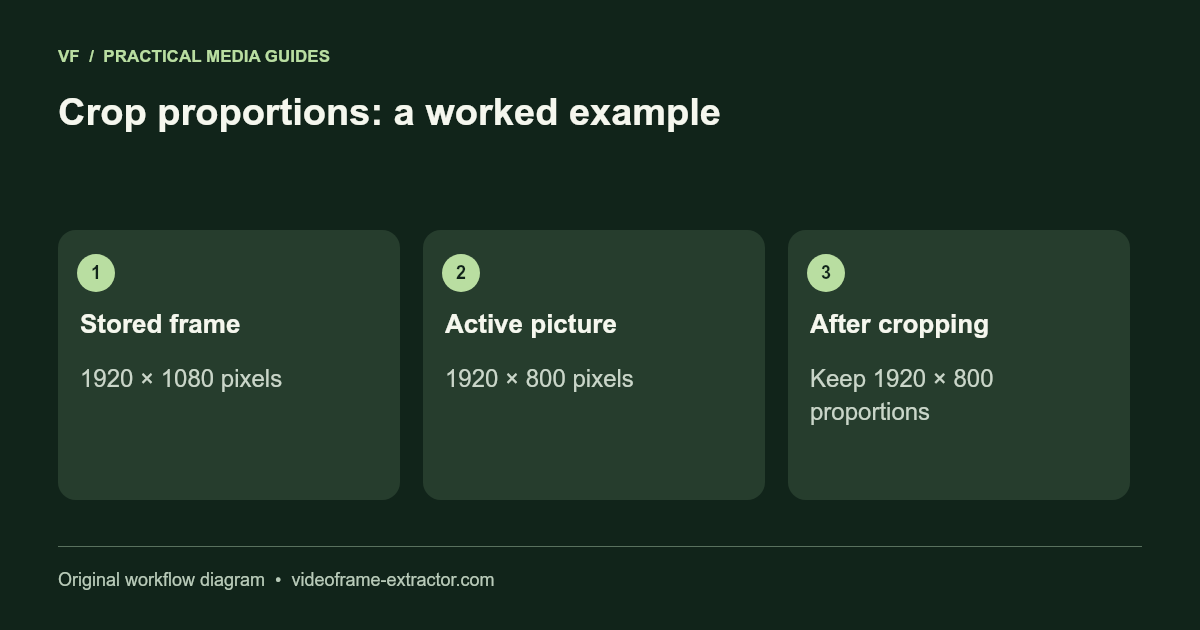
For example, a 1920 × 1080 frame could contain an active picture only 1920 × 800 pixels tall. Removing those encoded top and bottom bars would produce a 1920 × 800 image. Stretching that crop back to 1920 × 1080 changes the shape of the content unless you add space or crop again.
Crop a still without inventing detail
Export PNG as an editing master, then open it in an image editor. Find the actual picture boundary and crop only the unwanted bars. Check the full edge at several positions; subtitles, titles, or a camera movement may extend into what first looked like empty space.
This extractor does not currently offer automatic black-bar detection or a crop editor. Use an external editor for this step rather than expecting the download button to remove bars. Save the crop under a new filename and keep the original frame. Cropping removes pixels; it does not improve the resolution of the remaining subject.
Choose a destination shape deliberately
A 16:9, square, or 9:16 destination may require another crop. Keep the subject and any important text inside that shape. Avoid forcing every picture into the destination dimensions by stretching. Faces, circles, and product proportions make distortion especially visible.
When the required crop cuts off important content, keep the full active picture and add a designed background in your editor. That is often clearer than an extreme zoom. Inspect the result at the size where visitors will actually see it, including a small mobile preview.
Apply a consistent crop to a sequence carefully
For multiple frames from one recording, confirm that the active picture area stays constant before using a batch crop. Some videos change aspect ratio or add titles halfway through. Inspect examples from the beginning, middle, and end, then compare the final outputs after cropping.
A future automatic crop tool should offer a preview and manual override because dark scenes are easy to mistake for black borders. Until that feature exists here, treat any crop calculation as a choice to review, not a guaranteed safe removal of empty pixels.
Try this workflow
Start with a short, non-sensitive sample. Inspect the downloaded result before using a longer recording or larger image.
Open the related tool