There may be several useful frames
“Best” depends on the story and final design. A clean expression, useful negative space, and a recognizable subject can matter more than a numerical score. Capture options instead of assuming the first paused picture is the right one.
Sample only the relevant segment
Find the section with the expression or action you want. In the thumbnail selector, set a short batch range and try a half-second interval. If a good expression falls between samples, scrub or use the time-step controls and capture it separately.
Compare at the intended display size
- Are the eyes and expression readable?
- Does motion blur obscure the important subject?
- Will the subject survive the planned crop?
- Can a viewer understand the picture in a small preview?
- Does the frame represent the video honestly?
Use a simple shortlist
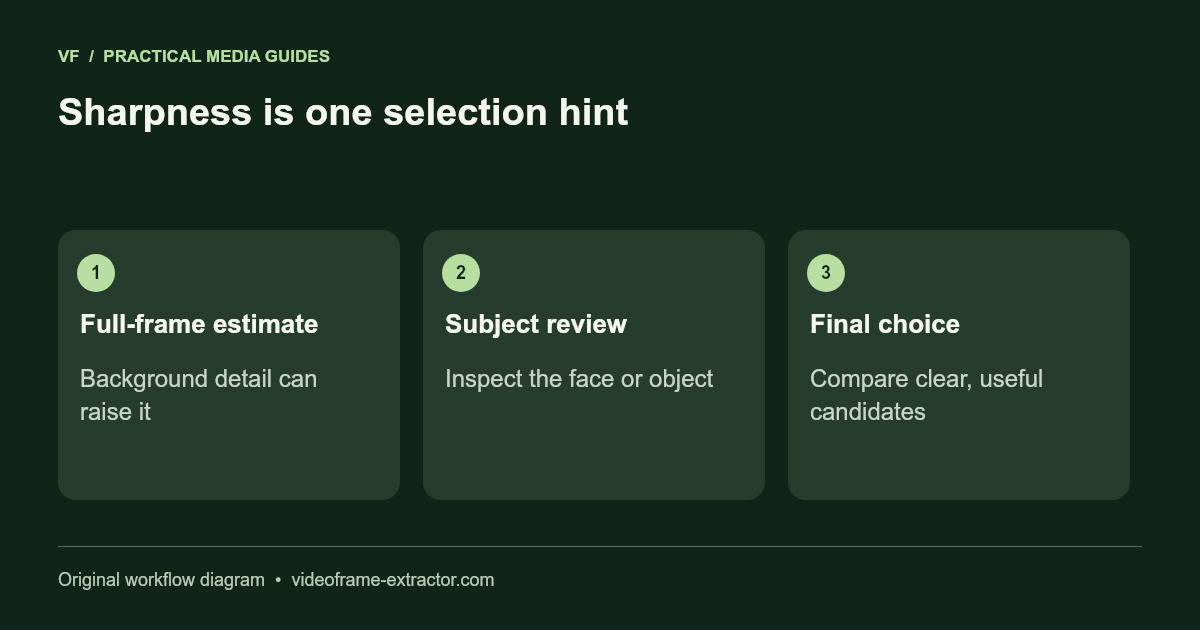
Download a few candidates, place them into the same layout in your editor, and compare them side by side. Keep text and crop consistent while comparing the source pictures. The highest sharpness estimate is only one hint; it does not predict clicks or choose the most persuasive expression.
Keep track of your own results
If you test thumbnails, use the platform’s available tools and account data. Avoid treating an isolated change as proof that one frame increased engagement. Topic, audience, traffic source, and timing can all change results. The extractor’s role is to make frame selection convenient, not promise a performance increase.
Score the message before the sharpness
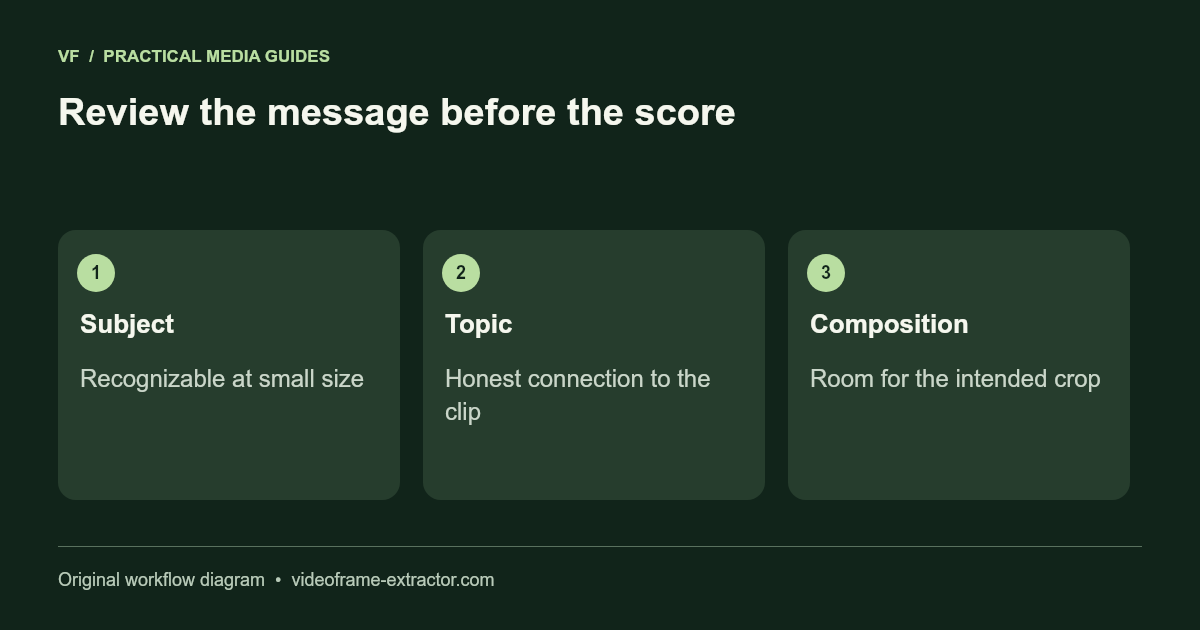
Make a short list of candidates showing different expressions or stages of the action. Give each a simple yes/no review: recognizable subject, honest connection to the topic, readable at mobile size, and enough room for the intended crop. Reject a misleading picture even if its technical sharpness score is higher.
Then compare the remaining subjects at the same display size. The site’s estimate measures edge variation across a downscaled full frame. A detailed background or noise can raise that score while the face remains soft. Inspect the face or object directly and choose the frame that helps viewers understand the actual video.
A useful selection note might read “candidate B, about 01:18, product clearly visible, expression relaxed, left side available for text.” Keep the two runners-up if you plan a later design test. Avoid promising a universal click-through improvement: performance depends on audience, topic, distribution, and the final design. Track your own published results and change one major design decision at a time if you want to learn from them.
Open a compatible local file and capture a few moments for comparison.
Open frame extractor